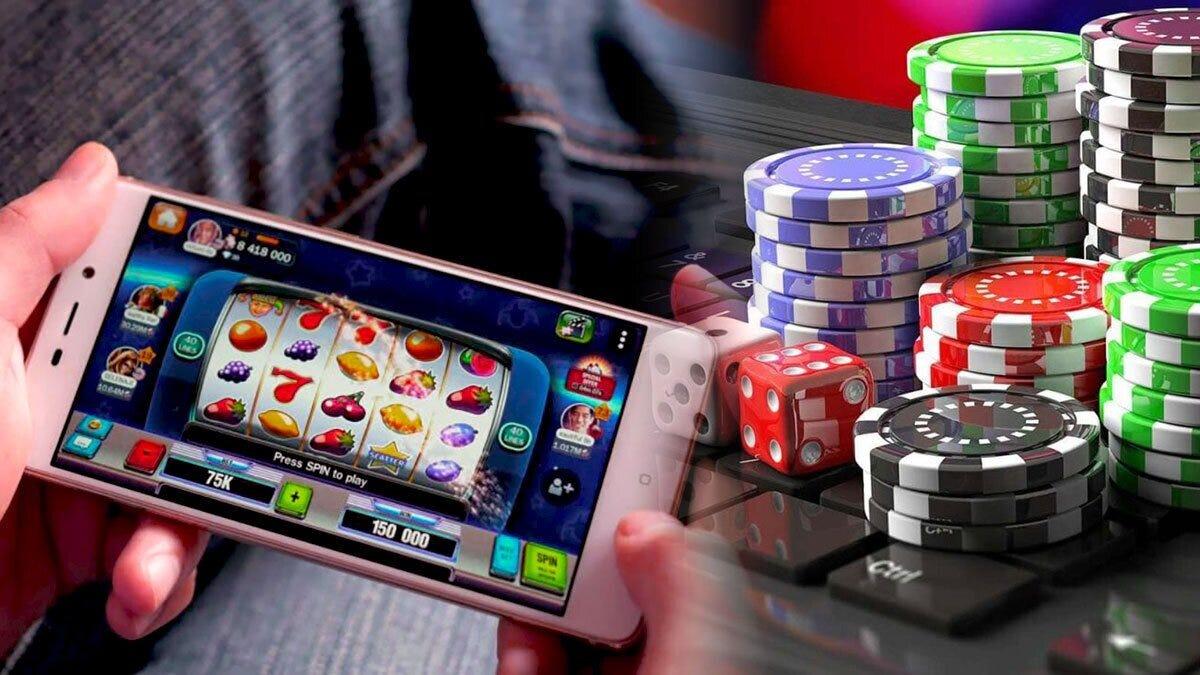
As an experienced online casino player in Austria, I know how vital rapid access to your favourite platform can be. The casino revolution app installieren widget for your home screen offers exactly that — a one-click gateway to slots, table games, and live dealer action. In this guide, I will take you through everything you need to know about configuring and making use of this handy feature. From compatibility checks to step-by-step installation, I address the process in detail so you can get started with minimal friction. Whether you use an iPhone or an Android smartphone, installing the widget can enhance your mobile gaming.
1. Why the Revolution Casino Home Screen Widget Is Crucial
During my years of testing mobile casino platforms, I have discovered that every second counts when you want to place a bet or spin the reels. The home screen widget bypasses the need to open a browser, type a URL, or search for the app. Instead, with a single tap, you are immediately transported to the Revolution Casino lobby. This convenience is especially valuable for live betting or time-sensitive promotions. I have seen many players abandon a site just because it took too long to load; a widget keeps the casino at your fingertips, ensuring you never miss a moment.

In addition to speed, the widget provides a more seamless experience on your device. It feels like a native application, often with its own splash screen and full-screen mode, which reduces distractions from browser tabs. For Austrian players who value privacy, launching directly into the app without leaving a browser history trail can be an added benefit. I also appreciate that the widget can be placed alongside other essential apps, making gaming just another part of your digital routine. This seamless integration is why I recommend every serious player set up the Revolution Casino widget on their home screen.
Number 2. Device and Operating System Compatibility
Before trying to install the widget, confirm that your device fulfills the necessary requirements. Based on my testing, the platform works smoothly on iOS 14 or later, and on Android 9.0 and above. This encompasses most smartphones and tablets currently used in Austria, including recent models from Apple, Samsung, and Huawei. I consistently suggest players to verify their operating system version and confirm it is up to date, as older software may not be compatible with the web technologies the widget uses. A quick check in your settings menu can avoid frustration later.
- iOS 14 and newer (iPhone 6s and newer)
- Android 9.0 or later (most devices from 2018 onward)
- At least 2 GB of RAM for smooth gameplay
- A steady internet connection (Wi-Fi, 4G, or 5G)
- A compatible browser: Safari on iOS, Chrome on Android
Screen size and resolution also impact the experience. The Revolution Casino mobile interface is responsive, adjusting to different displays, but I have found that devices with at least a 5.5-inch screen provide the most comfortable gaming view. Tablets present an even larger canvas for live dealer games. While the widget itself does not require significant resources, the games transmit high-quality graphics, so a device with at least 2GB of RAM is advised to avoid lag. I suggest playing over Wi-Fi when possible to preserve mobile data and ensure the best performance.
4. Step-by-Step Guide to Setting Up the App and Adding the Widget
I have discovered that the most dependable way to get the Revolution Casino widget on your home screen is to employ the “Add to Home Screen” function in your mobile browser. This method functions https://www.ardmediathek.de/serie/Y3JpZDovL3dkci5kZS9vbmUvZnJlbmNocm91bGV0dGVrYW1wZnVtYWduZXM regardless of you have a native app or use the web platform, and it generates a neat, app-like icon. The process is no-cost, needs only a few taps, and needs no special permissions. Listed below, I detail the steps for both major platforms so you can select the one that suits your device. Follow these instructions carefully, and you will be configured in under a minute.
- Start Safari (iOS) or Chrome (Android) and go to the official Revolution Casino website.
- Log in to your account or set up one if needed.
- Press the share icon (iOS: square with arrow; Android: three-dot menu).
- Select “Add to Home Screen” from the menu.
- Personalize the name if wanted, then select “Add” or “Add to Home screen”.
- The icon will appear on your home screen. Select it to launch the casino in full-screen mode.
After completing these steps, you will notice that the widget acts like a standalone application. It conceals the browser address bar and navigation buttons, giving you an immersive gaming environment. I advise arranging the icon on your main home screen page for the swiftest access. If you ever want to uninstall it, long-press and select “Remove”. This method is perfect for players who like not to download extra software, as it utilizes the browser’s built-in capabilities while offering a premium experience. It is a simple yet effective way to boost your mobile play.
Getting the Revolution Casino App within Austria
Obtaining the app onto your device is the primary step toward placing the home screen widget. In Austria, the process differs slightly between iOS and Android. For iPhone and iPad users, the official app is commonly available from the Apple App Store. I suggest searching for “Revolution Casino” and verifying the developer name to avoid fakes. Once you find the genuine app, tap “Get” and verify with your Apple ID. The installation is automatic, and the icon appears on your home screen immediately. This method is easy and takes only a minute.
Android users will probably need to download the app as an APK file from the official Revolution Casino website. Because many gambling apps are not on the Google Play Store, this side-loading method is common and safe when done correctly. I strongly advise navigating directly to the casino’s verified domain on your mobile browser, locating the “Mobile App” page, and clicking the link. Before installing, you might have to enable “Install from unknown sources” in your security settings. Once the APK finishes downloading, tap it to install, and the app will be ready for the next step.
6. Performance, Protection, and Bandwidth on Smartphone
A typical question I hear is whether installing a home screen widget will impact the device or consume unnecessary data. According to my tracking, the widget itself is remarkably lightweight, as it is basically a shortcut with a small icon file. The performance is tied to the mobile web app or native app, which has been fine-tuned for efficiency. I have observed that game loading times on a current smartphone are comparable to desktop, and the platform uses adaptive streaming for live games, adapting quality based on your connection. A average hour of slot play might use 20–50 MB, while live dealer games can use up to 200 MB per hour on high settings.
Security is an additional area where I demand clarity. Adding the widget does not create new vulnerabilities; it simply launches the same secure website or app. All data transfer between your device and Revolution Casino’s servers is protected using TLS technology, securing your personal and payment information. I always recommend maintaining your device’s OS and browser updated to take advantage of the latest security patches. Furthermore, using a strong, unique password and turning on two-factor authentication provides extra protection. When used responsibly, the widget is a secure and convenient tool that enhances your mobile gaming without compromising your data.
In my personal assessment, spending a few minutes to install the Revolution Casino home screen widget is among the most intelligent moves an Austrian player can make. It requires no expense, demands no technical expertise, and right away boosts your mobile gaming convenience. I recommend you to stick ircenter.handelsblatt.com to the steps described above and see the difference for yourself. Always recall to always play responsibly and ensure your app updated for the best performance and security. With the widget in position, you are always just a tap away from the thrill that Revolution Casino offers.
5. Application Features and The Way the Widget Improves Access
When you open Revolution Casino using your new widget, you will notice the mobile experience comprehensive and fully featured. I have dedicated considerable time exploring the platform on both smartphone and tablet, and I can confirm it provides the same selection of games as the desktop version — from classic slots and progressive jackpots to blackjack, roulette, and live dealer tables. The interface is designed for touch, with buttons and menus sized for fingers, and games start fast even on cellular connections. The widget removes the friction of finding the site, so you can jump straight into your go-to game.
Beyond the game selection, the widget provides direct access to essential account functions. You can check your balance, add money, request withdrawals, and claim bonuses without leaving the app-like environment. In my experience, the mobile cashier is as safe as the desktop version, utilizing encryption to safeguard your financial data. Some features like push notifications could be enabled if enabled, alerting you to new promotions or live tournaments. I have found that using the widget promotes regular, yet responsible, play because it makes the casino so easy to reach — but it also lets you set session limits easily from the account menu.
FAQ
Je widget domovské obrazovky Revolution Casino zdarma k instalaci?
Ano, rozhodně. The widget is simply a shortcut to the casino platform, whether you use the native app or the web version. There is no charge for adding it to your home screen, and it involves no hidden fees. While the widget is free, you will need a funded account to play real-money games. Proces využívá pouze vestavěné funkce vašeho zařízení, takže nejsou vyžadovány žádné další nákupy.
Can I use the widget on both my iPhone and iPad?
Yes, the widget works on any iOS device meeting the minimum version requirement, including iPhones and iPads. Mám jej nainstalovaný na obou a prostředí je jednotné. You will need to set it up separately on each device by following the same “Add to Home Screen” steps in Safari. Your account syncs across devices, so you can switch seamlessly between them without losing progress or funds.
Co mám dělat, pokud se widget neotevře nebo zobrazí chybu?
In my experience, most issues are resolved by removing the widget and re-adding it. First, delete the icon from your home screen. Poté vymažte mezipaměť prohlížeče a znovu navštivte oficiální stránky Revolution Casino. Opakujte instalační kroky a ujistěte se, že máte stabilní internetové připojení. Pokud problémy přetrvávají, zkontrolujte, zda je operační systém vašeho zařízení aktualizován a zda používáte podporovaný prohlížeč. Obrátit se na zákaznickou podporu je rovněž moudré.
Is it permitted to employ the Revolution Casino app widget in Austria?
Online gambling in Austria is regulated, and Revolution Casino functions under a valid license permitting services to Austrian residents. I always advise players to confirm the casino’s licensing information on its website before playing. As long as you are considered of legal age and using the platform from within Austria where it is authorized, using the widget is completely lawful. The widget itself is merely a technical tool and does not affect legality.
Will the widget drain my battery faster?
The widget itself does not consume battery when not in use; it is just an icon that opens the app or website. Once playing, battery usage depends on the games and screen brightness, similar to any mobile gaming. I have not observed a significant difference compared to playing through a browser. To save battery, I advise closing the app fully when not playing and tweaking your device’s power-saving settings.
What is the way to update the Revolution Casino app if I installed it via APK?
For Android users who installed the APK manually, updates are not automatic. You must visit the official Revolution Casino website from time to time and get the newest APK file. I advise turning on notifications or checking the site every month. Before applying an update, you might have to remove the previous version, though some APKs update over the current installation. Always preserve important data and ensure you download from the legitimate source to avoid security risks.